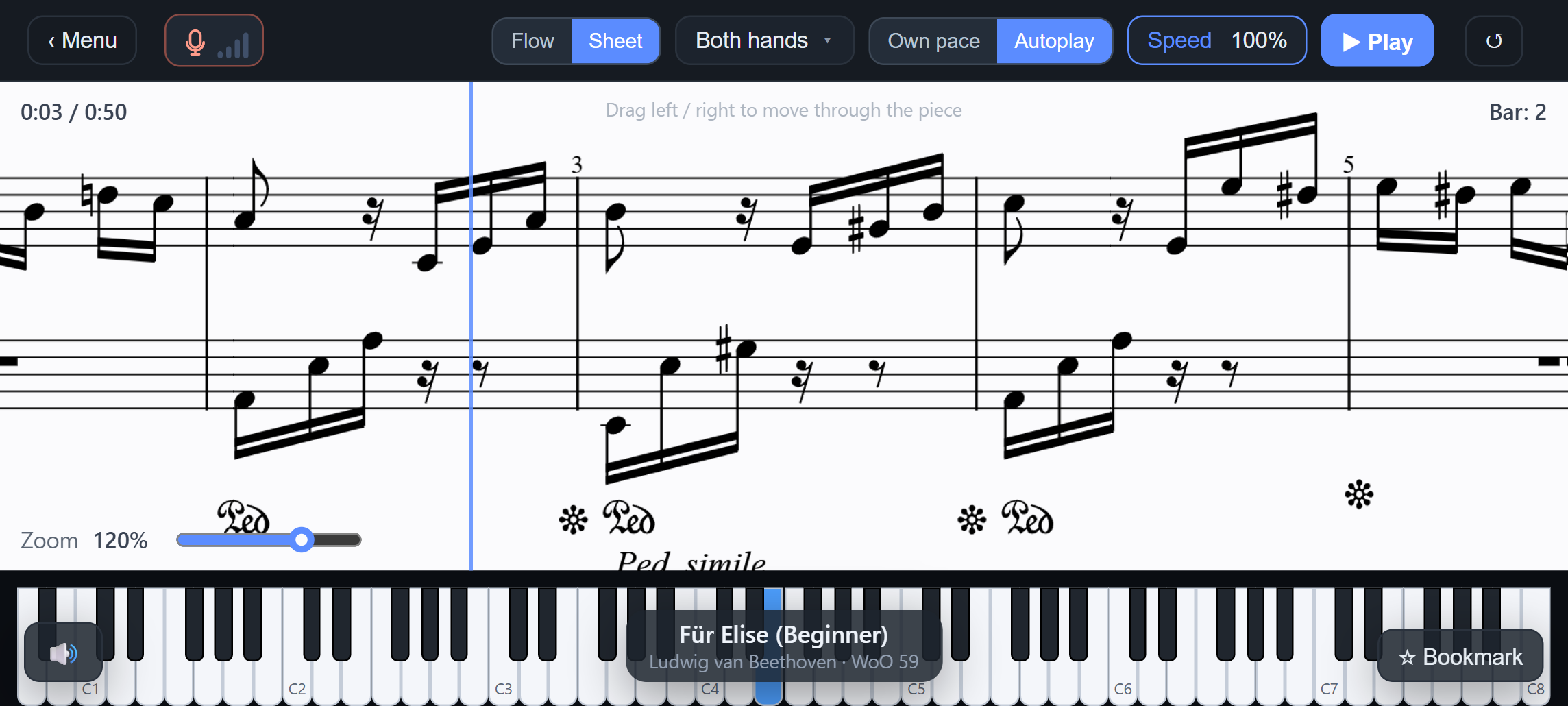
Real sheet music
Properly engraved notation with a cursor that follows you as you play. Zoom in or read ahead whenever you like.
Connect your piano and play along with real sheet music. PianoFlow hears every note and keeps pace with you, whether you're learning your first song or working through Liszt.
Properly engraved notation with a cursor that follows you as you play. Zoom in or read ahead whenever you like.
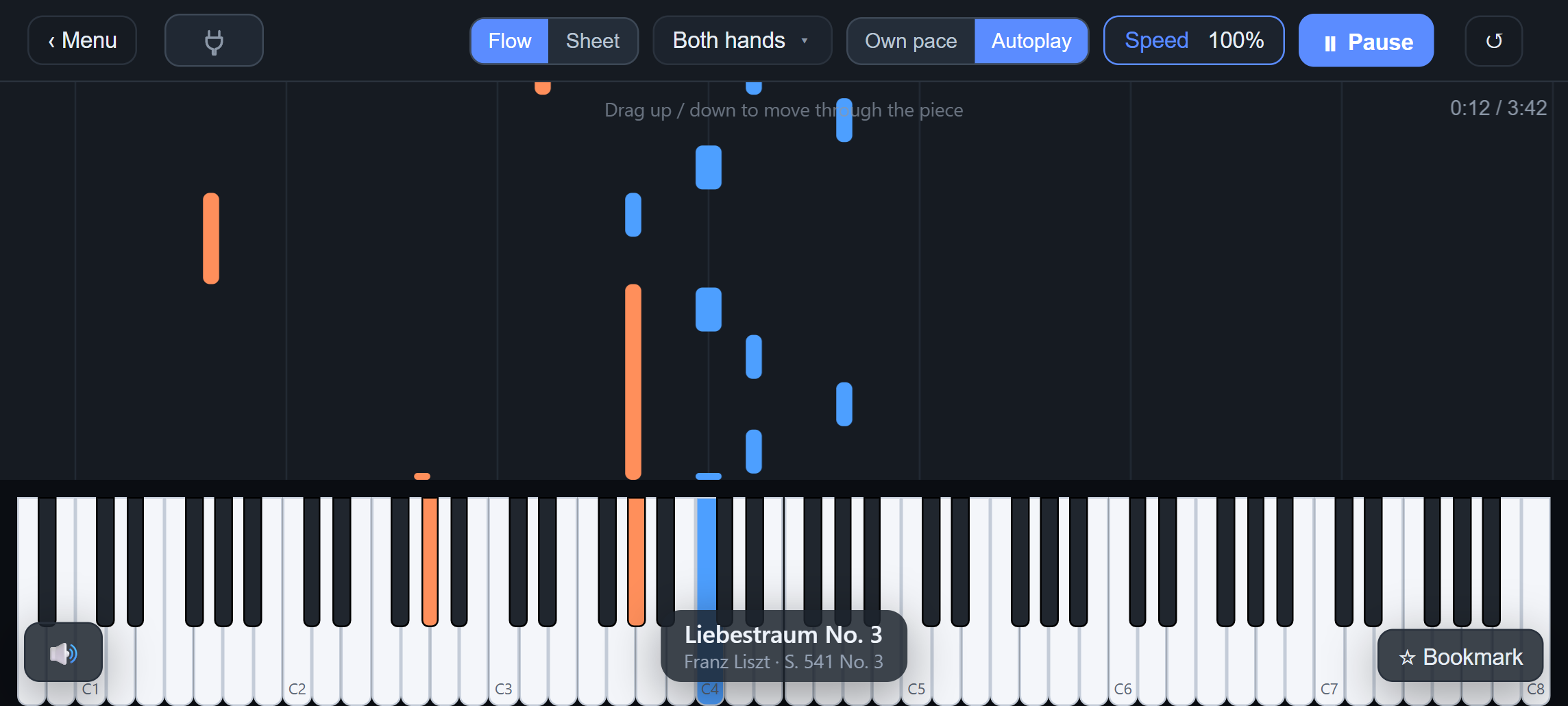
Prefer not to read music? Notes fall onto an on-screen keyboard, orange for the left hand and blue for the right.
In Own Pace mode the music waits for the right keys. When you're ready, switch to Autoplay and play at 10–150% speed.
Practice the left hand, the right hand, or both together. Bookmark tricky passages and come back to them anytime.
Plug in a digital piano over USB for the most accurate tracking, or let PianoFlow listen through the microphone. Audio stays on your device.
Each run is scored for accuracy and timing. A library of scales, chords, arpeggios and technique drills tracks your progress.
Hundreds of pieces from Bach, Mozart, Beethoven, Chopin, Debussy, Liszt and more, sorted from Beginner to Expert. Each one shows its key, tempo, length and note count, so you can choose your next challenge.
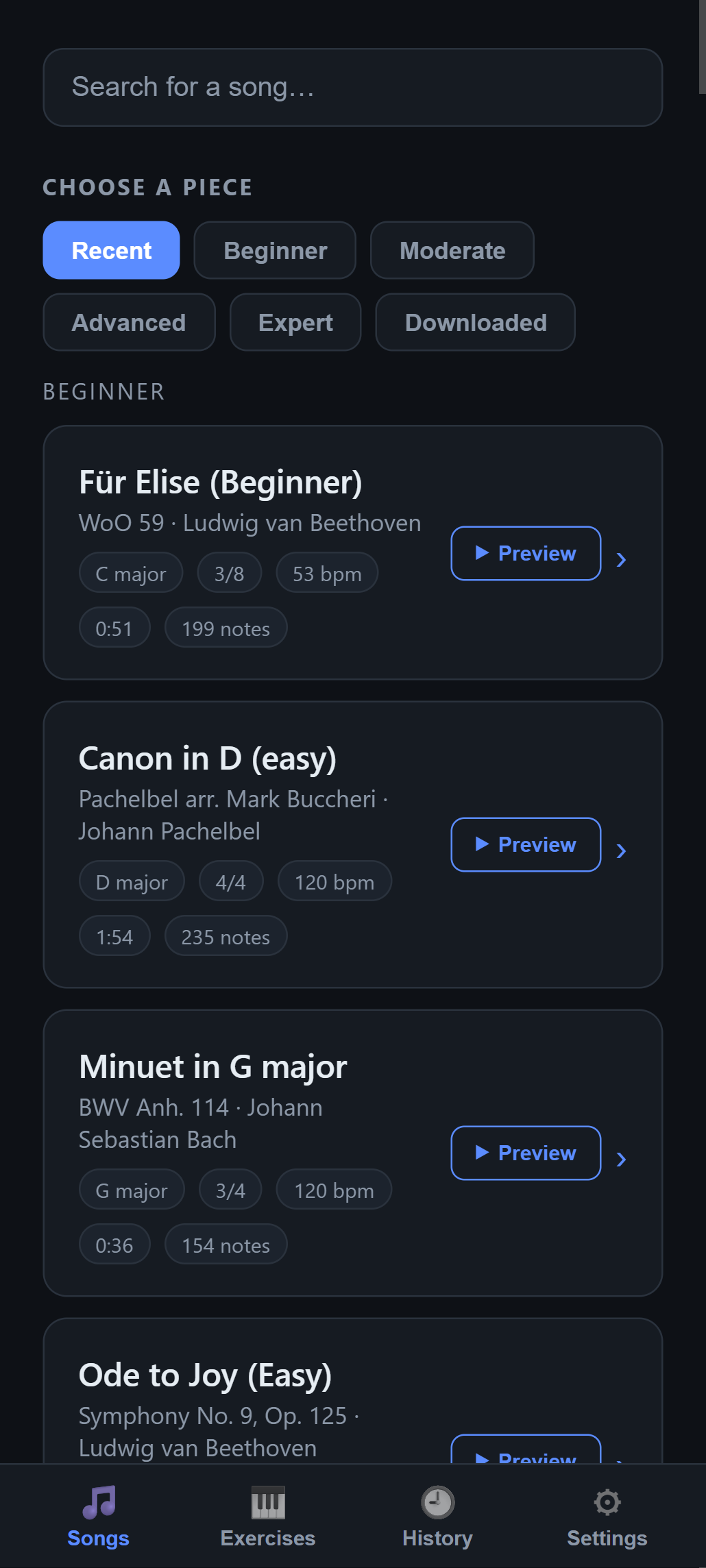
Search the library or browse by difficulty. Preview any piece to hear how it should sound, then press play. Your recent songs and history are saved for next time.
PianoFlow is in final testing. It's launching on the Google Play Store soon.
Coming soon to Google Play
Octave Flow Studios LLC is a one-person development studio that builds music apps. Our first app is PianoFlow: Play Along, made to help pianists of every level enjoy practicing.
We believe practice should feel like playing music. That's why PianoFlow puts real sheet music and your own piano at the heart of every session. Every feature is designed, built and tested in-house, at the piano.
Questions or feedback? Email us at .
See PianoFlow →